
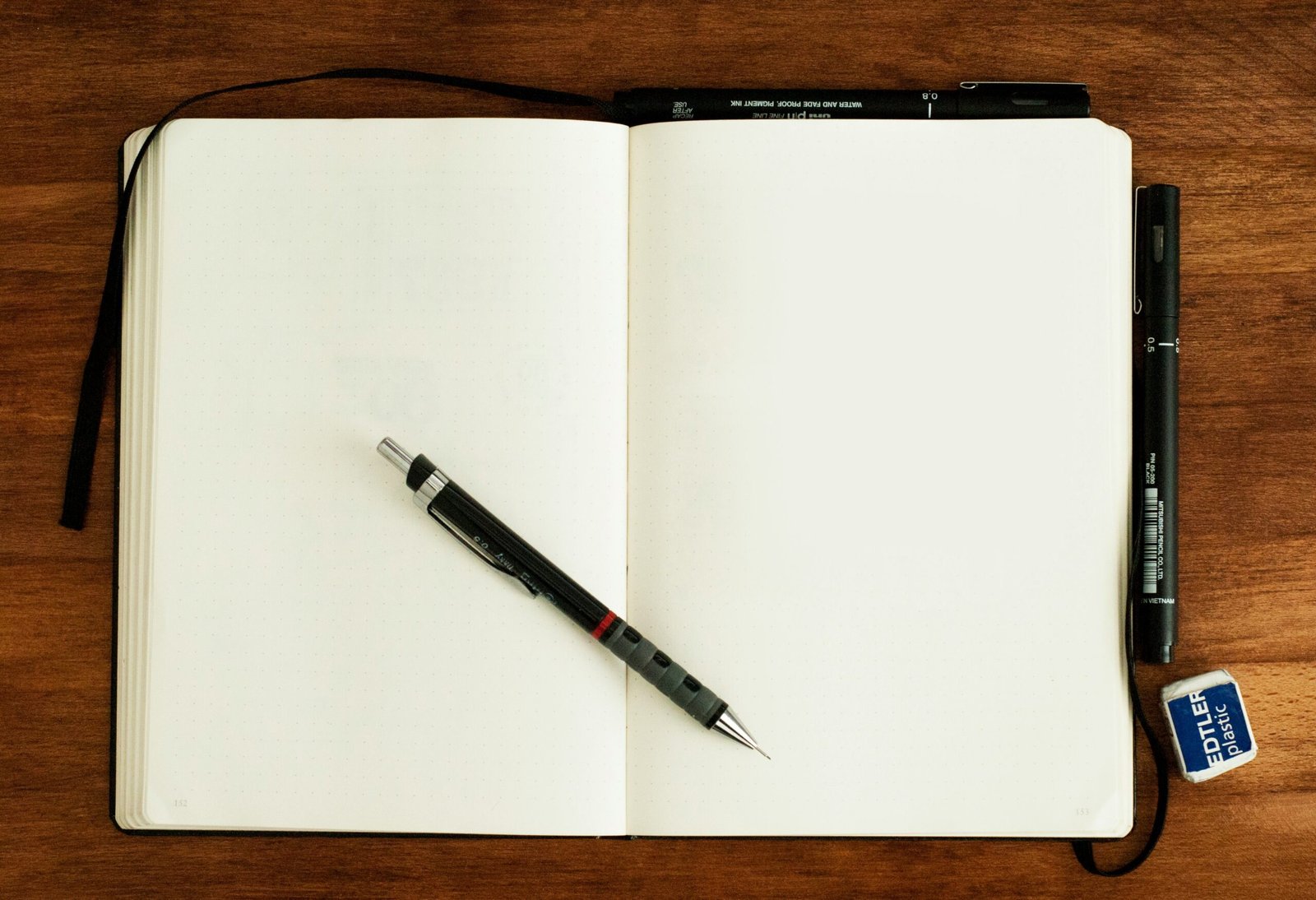
The Two-Notebook Method Productivity System: Defeat Mental Overload Without Apps
Adopting the two-notebook method productivity framework is one of the most liberating decisions a modern professional can make. Today, the productivity industry pushes a relentless message: if you feel overwhelmed, you simply need another digital app.
Consequently, ambitious workers spend hours configuring complex Notion dashboards, color-coding task managers, and setting up automated calendar alerts.
However, this reliance on digital tools creates a dangerous trap. Instead of doing deep, meaningful work, you end up managing the software that tracks the work.
Every time you open your phone or laptop to check an app, you expose your brain to notification pings, email badges, and browser distractions. The result is chronic cognitive fragmentation and low-grade anxiety.
To reclaim your focus, you do not need more software. You need physical paper friction.
Here is how the simple, analog two-notebook method productivity system eliminates cognitive overload, calms your nervous system, and restores deep work.
1. Why Digital Productivity Apps Break Down Under Stress
Digital task managers are inherently frictionless. While that sounds advantageous, infinite digital space is precisely what causes cognitive overload.
When adding a task requires only two taps, your to-do list expands endlessly. Within weeks, you accumulate hundreds of overdue tasks.
Looking at a bloated digital screen triggers subconscious guilt. Therefore, you spend your morning reorganizing, tagging, and rescheduling tasks rather than executing them.
    ┌───────────────────────────────────────────────────────────────┐
    │              DIGITAL APPS VS. ANALOG NOTEBOOKS                │
    ├───────────────────────────────┬───────────────────────────────┤
    │      DIGITAL TASK APPS        │      TWO-NOTEBOOK METHOD      │
    ├───────────────────────────────┼───────────────────────────────┤
    │ Infinite space (list bloat)   │ Physical constraints (forces  │
    │ High notification friction    │  prioritization)              │
    │ Triggers screen fatigue       │ Zero notification distraction │
    │ Encourages task hoarding      │ Calms nervous system          │
    │ Shallow typing commitment     │ Daily reset via hand-copying  │
    │                               │ Deeper neural encoding        │
    └───────────────────────────────┴───────────────────────────────┘
Furthermore, apps live on devices built specifically to distract you. You open your task manager to review a project, but you notice an unread Slack message or social media update.
Before you realize it, your focus evaporates. Learning to step away from screens and build boredom tolerance and stillness begins with stripping away unnecessary digital noise.
2. The Neuroscience of Physical Ink: Why Handwriting Beats Typing
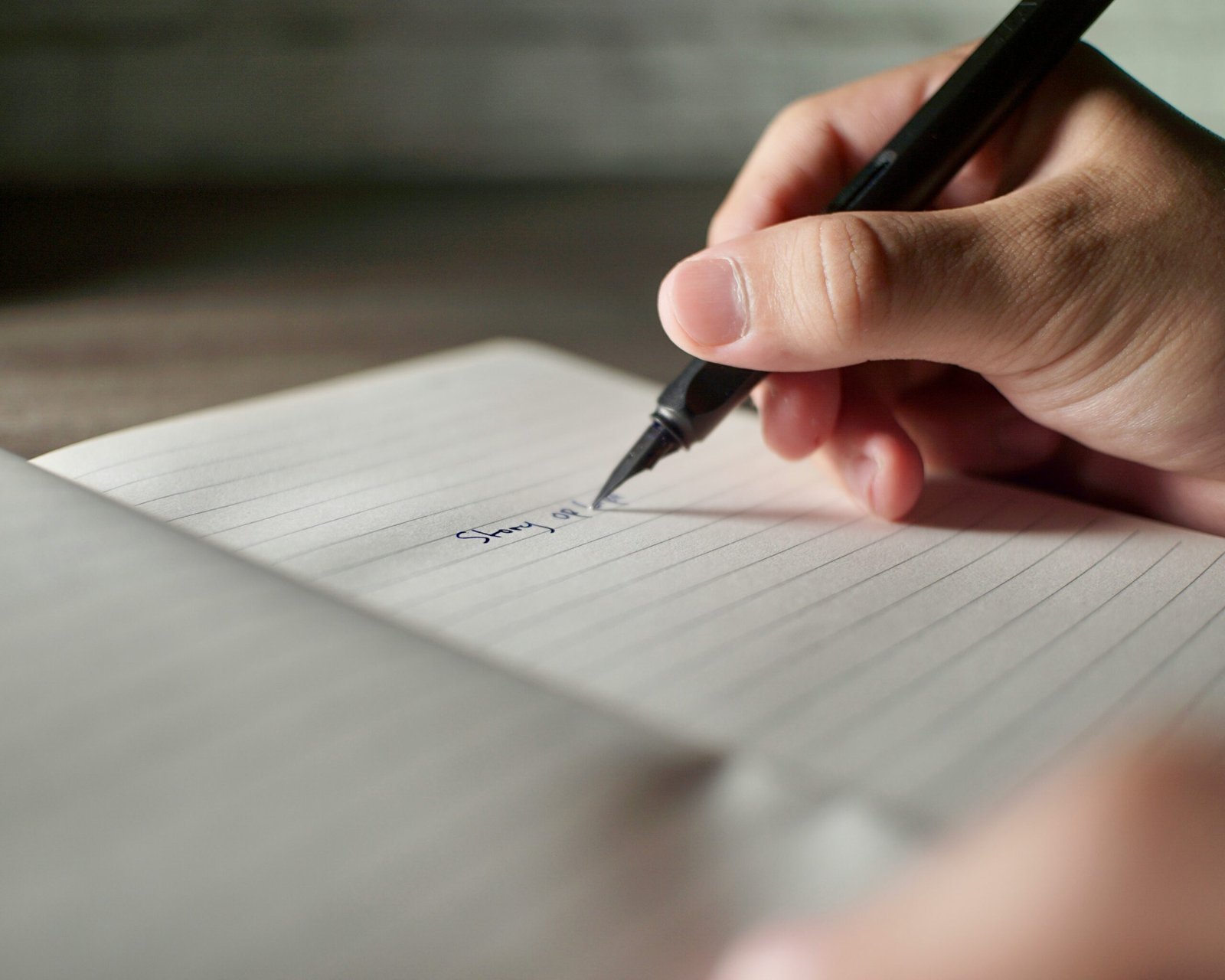
Writing with physical ink on paper engages your brain completely differently than tapping on glass or a keyboard.
When you type, your fingers perform identical keystrokes regardless of the concept. Your brain processes typing at high speed without deep reflection, which is why people can type verbatim transcripts without understanding the content.
In contrast, neuroscientists studying cognitive processing have shown that handwriting requires fine motor control and spatial awareness. The visual and physical feedback loop forces your brain to summarize and evaluate ideas in real time.
[Sensory Motor Writing] ➔ [Neural Filtering] ➔ [Higher Cognitive Commitment]
Stronger Neural Encoding: Forming physical letters stimulates the brain’s reticular activating system, filtering noise and anchoring the memory.
Dopamine Regulation: Paper does not emit blue light, refresh feeds, or ping alerts. Working on an analog surface calms your pulse and stops impulsive dopamine-seeking behavior.
Psychological Commitment: Crossing off a completed task with a physical pen provides tangible, visceral satisfaction that tapping a digital checkbox cannot match.
3. The Architecture: Notebook A vs. Notebook B
The core of this system requires separating raw incoming chaos from deliberate daily execution. You do this by maintaining two distinct physical notebooks:
| Dimension | Notebook A: The Capture Journal | Notebook B: The Execution Ledger |
| Physical Format | Inexpensive, pocket-sized, rough paper | High-quality, durable, desk-bound book |
| Primary Role | Unfiltered brain dump & raw meeting notes | Strict daily priorities & needle-movers |
| Daily Access | Carried everywhere; stays open constantly | Sits exclusively on your work desk |
| Organization Level | Completely messy, unformatted, temporary | Pristine, structured, single-page daily log |
| Lifespan | Filled quickly and recycled regularly | Archived as a permanent record of output |
       ┌────────────────────────────────────────────────────────┐
       │             THE TWO-NOTEBOOK INFORMATION FLOW          │
       ├────────────────────────────────────────────────────────┤
       │ 1. ALL incoming thoughts enter Notebook A (Raw Dump)   │
       │ 2. Evening Filter: Review and discard 80% of noise     │
       │ 3. Migrate top 3 vital priorities to Notebook B        │
       │ 4. Next day: Work ONLY from Notebook B with zero tabs  │
       └────────────────────────────────────────────────────────┘
Notebook A: The “Capture Journal” (The Brain Dump)
Notebook A is your mental net. It should be an inexpensive, portable notebook that fits in your pocket or bag.
Whenever a thought enters your head—a call to make, an errand, an idea during a commute, or quick meeting notes—write it down in Notebook A immediately.
Do not worry about neat handwriting, dates, or tags. The sole purpose of the Capture Journal is to get thoughts out of your working memory so your prefrontal cortex remains clear.
Notebook B: The “Execution Ledger” (The 3 Needle-Movers)
Notebook B never leaves your desk. It is your strategic command center.
Each evening, open Notebook B to a fresh, clean page. Write tomorrow’s date at the top. Underneath, write down no more than three critical priority tasks for the entire day.
These are your non-negotiable needle-movers. If you accomplish only those three items, your day is an undisputed success. By deliberately restricting your execution list to three tasks, you force ruthless prioritization that software cannot enforce.
4. The Daily Migration Ritual: How to Close Your Mental Loops
The secret that makes the two-notebook method productivity workflow sustainable is the evening migration ritual.
At the end of your workday, set aside five minutes for this closing protocol:
[Open Notebook A] ➔ [Scan & Strike Irrelevant Notes] ➔ [Hand-Copy 3 Tasks to B] ➔ [Shut Both Books]
Review Notebook A: Scan the raw notes, phone numbers, and random thoughts collected during the day.
Discard the Trivial: You will quickly discover that roughly 70% of the reactive tasks scribbled down during the day do not actually matter. Strike through them without guilt.
Migrate the Vital Few: If a task represents a genuine priority, physically write it down onto tomorrow’s clean page in Notebook B.
The Physical Friction Filter: Having to manually hand-copy a task forces you to evaluate its true value. If a task is not worth the ten seconds it takes to write by hand, it is not worth your valuable focus hours.
Close the Books: Shut both notebooks and step away from your desk. This physical action signals to your subconscious mind that the workday is complete, preventing residual stress from invading your evening.
Building this level of disciplined personal clarity develops the exact focus needed to build scalable skills that can make you rich before 25. Consistent output always beats hyperactive tool switching.
5. Common Mistakes to Avoid with Analog Systems
Transitioning from digital apps back to physical notebooks is simple, but watch out for these early pitfalls:
Buying Complex Planners: Avoid expensive pre-printed productivity planners filled with habit wheels, water trackers, and quote boxes. They replicate the very complexity you are trying to escape. Plain lined, dot-grid, or blank pages work best.
Mixing the Books: Never write daily execution tasks directly into Notebook A, and never scribble meeting notes in Notebook B. Keeping their roles strictly separated protects the clean authority of your Execution Ledger.
Listing Too Many Tasks: If your Execution Ledger contains 12 items every morning, you have simply recreated a messy digital to-do list on paper. Keep your daily list strictly capped at three primary objectives.
The Verdict on the Two-Notebook Method Productivity Routine
Real productivity is not measured by the number of digital tools you sync or the aesthetic layout of your software boards.
Productivity is measured by one metric: did you complete your most meaningful work today without burning out?
Tomorrow morning, close your browser tabs and put your phone in another room. Open your physical Execution Ledger, place your pen on paper, and do the real work waiting in front of you.



Comments are closed.