
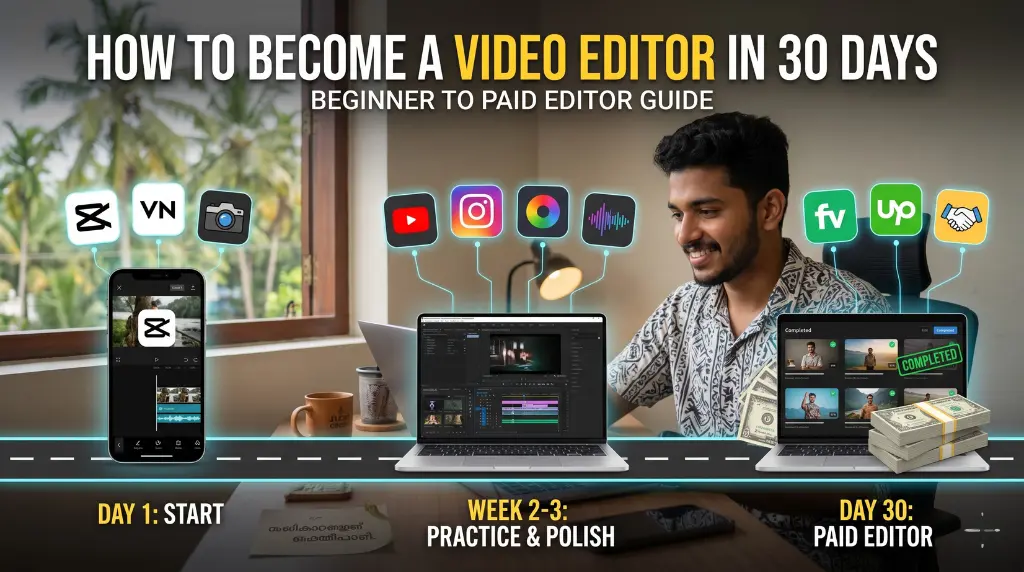
In 2026, video editing has evolved into one of the most powerful and highly monetizable skills you can learn. From massive YouTube channels to local businesses needing daily Instagram Reels, content creators are desperately searching for reliable, professional editors.
The best part about this industry? You do not need a four-year degree or a ₹1,00,000 PC setup. You can start right now with just a smartphone or a basic laptop. If you are starting from zero and want to realistically become a video editor in 30 days, this guide will give you the exact, no-nonsense roadmap to go from complete beginner to landing your first paid client.
 💡 Why Video Editing is a Perfect Career Path
 💡 Why Video Editing is a Perfect Career Path
Before diving into the roadmap, you need to understand why this skill is worth your time:
- Work From Home Independence: All you need is an internet connection and your device.
- Massive Global Demand: Every business today is a media business. They all need video.
- Low Barrier to Entry: You can learn the fundamentals for free.
- Excellent Income Potential: Many beginners start earning ₹5,000 to ₹30,000 per month within their first few months just by editing short-form content.
📅 Your 30-Day Roadmap to Becoming a Video Editor
 📅 Your 30-Day Roadmap to Becoming a Video Editor
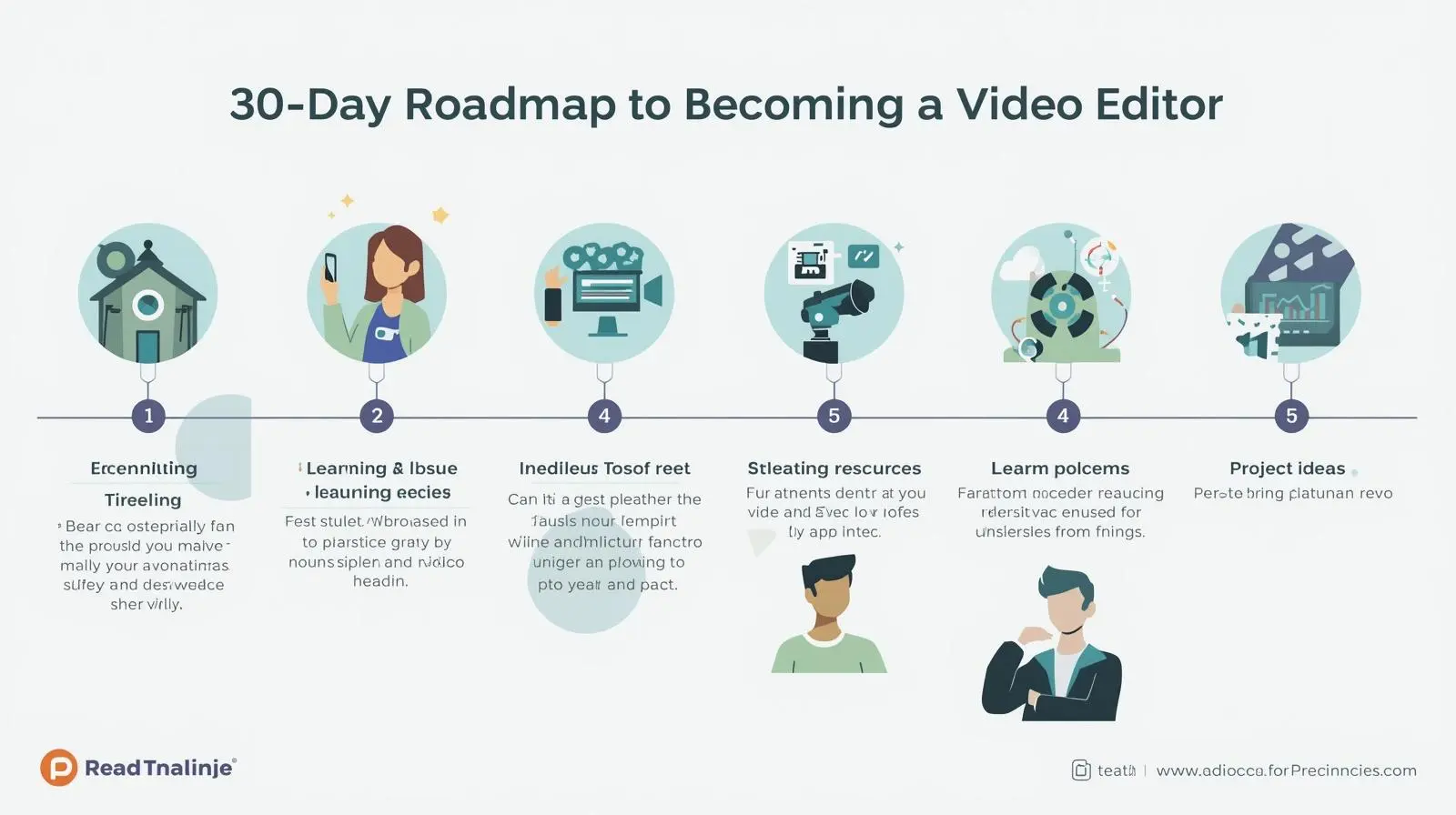
To successfully become a video editor in 30 days, you cannot just watch tutorials passively. You must follow a structured, action-oriented plan.
Week 1: Learn the Fundamentals (Day 1–7)
Your first week is about overcoming the intimidation of the software interface. Do not worry about fancy effects yet.
- Day 1–3: Understand the Workspace: Pick one beginner-friendly tool like CapCut (mobile/PC) or Premiere Pro. Learn how to import clips, navigate the timeline, and understand export settings.
- Day 4–7: Master Basic Tools: Practice the foundational cuts. Learn how to split a clip, trim dead space, adjust clip speed, add basic text, and apply simple transitions. Repeat this daily until your fingers know the shortcuts.
Week 2: Reverse Engineer & Practice (Day 8–14)
Now that you know how the tools work, you need to learn why editors make certain cuts.
- The Task: Find 3 highly engaging Instagram Reels or YouTube Shorts. Download them. Put them in your timeline and try to recreate them shot-for-shot.
- Why this works: Recreating existing, successful videos builds your innate editing sense faster than any tutorial. You will learn pacing, when to zoom, and how to hold viewer’s attention.
Week 3: The Professional Polish (Day 15–21)
This is the week that separates amateurs from professionals who actually get paid.
- Focus Areas: Audio Mastering: Bad audio ruins good video. Learn to balance background music so it doesn’t drown out the voiceover.
- Color Correction: Learn basic color grading to make standard smartphone footage look cinematic.
- Pacing & Storytelling: Ensure the flow of the video makes logical sense and keeps the viewer hooked.
Remember: Good editing is not about stuffing the screen with flashy motion graphics; it is about absolute clarity and storytelling.
Week 4: Build Your Portfolio & Pitch (Day 22–30)
You possess the skill; now you need the clients.
- Create a Portfolio: Edit 3 to 5 high-quality sample videos. Create a “Before & After” reel showcasing raw footage versus your edited masterpiece.
- Find Clients: Create profiles on Fiverr and Upwork. More importantly, start direct outreach on Instagram. DM local businesses, YouTubers, and influencers offering to edit their first Reel for free in exchange for a testimonial.
- Your goal is to secure that very first client. Experience matters more than perfection.
🛠️ The Only Tools You Need
Do not suffer from shiny object syndrome. Pick one tool from these categories and stick with it:
- Mobile Editing (Best for beginners & short-form): CapCut, VN Video Editor.
- Laptop Editing (Best for professional long-form): Adobe Premiere Pro, DaVinci Resolve.
💸 How Video Editors Actually Make Money
 💸 How Video Editors Actually Make Money
Once you complete this roadmap to become a video editor in 30 days, multiple income streams open up:
- Retainers for editing daily Instagram Reels or TikToks.
- Editing YouTube vlogs and educational videos.
- Crafting wedding highlights and event promos.
- Pricing: Beginners typically charge ₹500 to ₹1,500 per short-form video, easily scaling to ₹10,000+ for longer corporate or YouTube projects as skills improve.
⚠️ Common Mistakes Beginners Make
- ❌ Learning Too Many Apps: Jumping from CapCut to Premiere to Final Cut will just confuse you. Master one.
- ❌ Overusing Effects: Simple, clean cuts always beat messy, over-edited screens.
- ❌ Waiting Too Long to Freelance: You do not need to be a Hollywood editor to start charging. Start small and improve while working on real projects.
- ❌ Lack of Consistency: Missing days breaks your momentum. Daily practice is everything.
🧠 Professional Advice
If you truly want to build a career in this space, shift your focus away from the software. The software is just a tool. A real editor focuses on pacing, audience psychology, and problem-solving for their clients. If you can use video to make your client more money, you will never be out of a job.
🎯 Conclusion
You do not need to spend six months in an expensive college course to start your career. With sheer consistency, the right roadmap, and daily practice, you can realistically become a video editor in 30 days. The hardest part is simply starting. Open the app today—not next month.
📢 Call to Action
Ready to turn your smartphone into an income source?
👉 Want to learn professional mobile video editing in Malayalam step-by-step?
Join the Cutting Board Editing Academy! I will personally teach you how to master CapCut from scratch to professional client work.
Click below to join the next batch and our exclusive WhatsApp community! WhatsApp Me



Comments are closed.