

In 2026, being a student isn’t just about how hard you work—it’s about how smart you work. With the rapid evolution of generative technology, the best free AI tools for students have transformed from simple chatbots into full-scale academic partners. Whether you are struggling to summarize a 50-page research paper or need a personalized tutor for organic chemistry, there is an AI designed to help you succeed.
However, the “AI gold rush” has left many students overwhelmed. Which tools are actually free? Which ones are best for college-level research? In this comprehensive guide, we have analyzed the top AI study tools and AI note taking tools to help you build the perfect digital backpack without spending a dime.
 Why Every Student Needs an AI Toolkit in 2026
 Why Every Student Needs an AI Toolkit in 2026
The academic landscape has shifted. Professors are now encouraging the ethical use of free AI learning tools to enhance critical thinking rather than just “getting the answer.” Using AI effectively can:
Save 10+ hours a week on manual transcription and formatting.
Bridge knowledge gaps by explaining complex topics in Grade 8 language.
Personalize your learning by creating custom quizzes based on your specific lecture notes.
1. Top AI Assistants for Research and Learning
When it comes to general knowledge and deep research, these powerhouses are the best free AI tools for students who need quick, accurate information.
Google Gemini (The Student Powerhouse)
As of 2026, Google Gemini is the standout choice for students. Google currently offers a 12-month free trial of Google AI Pro for any student with a verified .edu email.
Best For: Deep research and integration with Google Workspace.
Key Feature: The “Deep Research” mode can browse hundreds of sources to create a cited report in minutes.
Student Perk: It connects directly to Google Docs and Slides to draft your outlines automatically.
Perplexity AI (The Search Killer)
If you need facts with citations, Perplexity is your best friend. Unlike standard chatbots, it functions like a search engine that talks.
Best For: Finding credible sources for essays.
Why Students Love It: It provides inline citations so you can verify every claim and avoid “AI hallucinations.”
ChatGPT (GPT-5.3 Instant)
OpenAI’s free tier now runs on GPT-5.3 Instant, offering lightning-fast responses and advanced data analysis.
Best For: Brainstorming, coding help, and complex math.
Free Limits: Students get roughly 10-15 high-level messages every 5 hours before switching to a lighter model.
2. Best AI Note Taking Tools for 2026
 2. Best AI Note Taking Tools for 2026
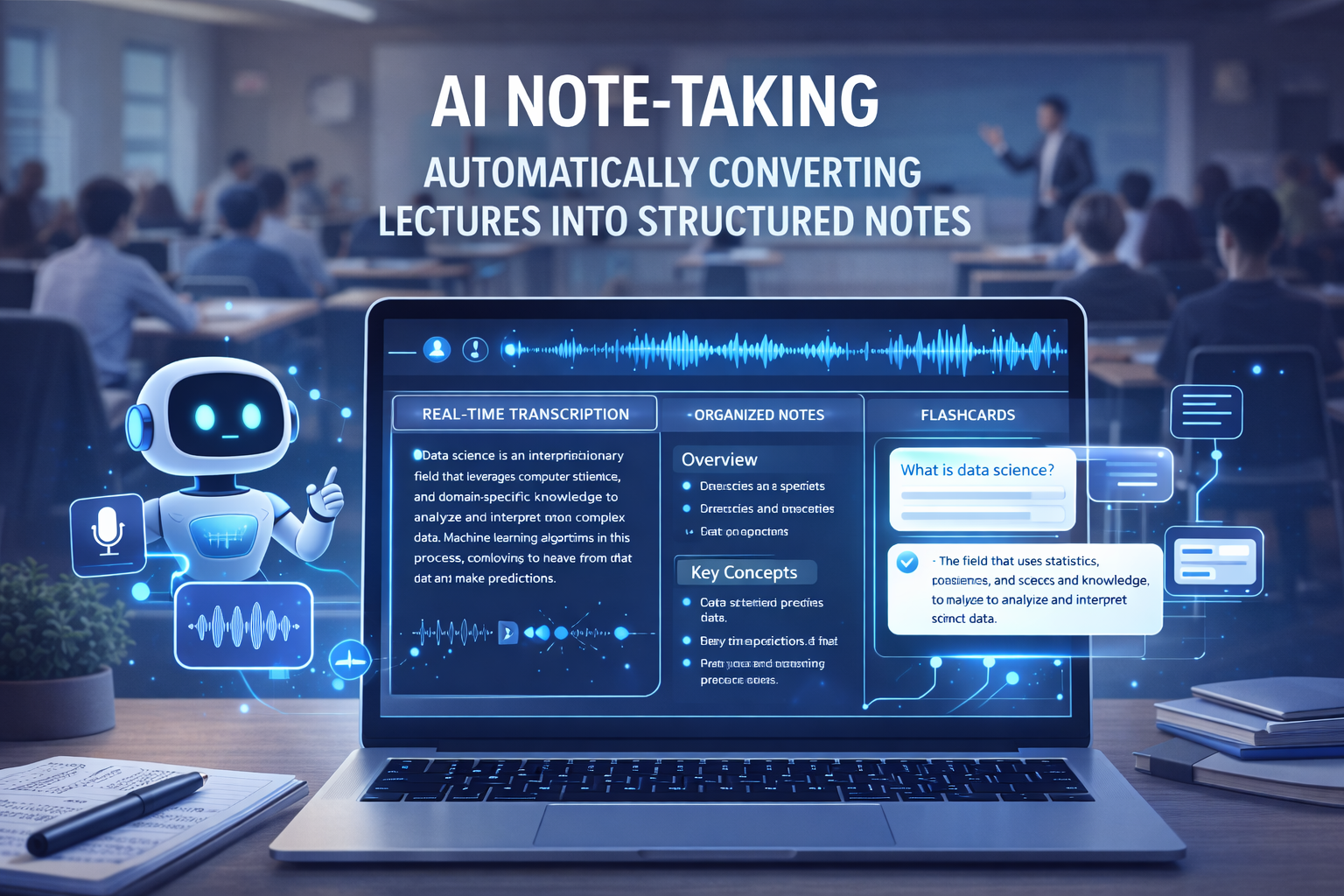
Taking notes by hand is a thing of the past. These AI note taking tools record, transcribe, and summarize your lectures in real-time.
NotebookLM (Source-Grounded Notes)
NotebookLM is arguably the best free AI learning tool for heavy readers. You upload your PDFs, and it becomes an expert on only those documents.
Unique Feature: The “Audio Overview” turns your dense textbooks into a 10-minute podcast-style conversation between two AI hosts.
Polar Notes AI
A newcomer in 2026, Polar Notes is specifically built for the “Lecture-to-Study” pipeline.
Workflow: Record a lecture $\rightarrow$ Generate structured notes $\rightarrow$ Create a 20-question practice quiz.
Otter.ai
If your professor talks too fast, Otter is the safety net you need.
Best For: Live transcription. It identifies different speakers and highlights key terms automatically.
3. Essential AI Writing and Grammar Tools
 3. Essential AI Writing and Grammar Tools
Writing is one of the biggest academic pain points. These AI tools for college students help you polish your voice without losing your original ideas.
Grammarly (Free Version)
In 2026, Grammarly does more than fix typos. Its free AI assistant helps you adjust your tone to sound more “academic” or “professional” depending on the assignment.
QuillBot
When you have a great idea but the words aren’t coming out right, QuillBot’s paraphraser is essential.
Expert Tip: Use the “Formal” mode to refine your thesis statement for a more authoritative tone.
Comparison Table: Best Free AI Tools for Students (2026)
| Tool | Primary Use | Best Free Feature |
| Google Gemini | Deep Research | 12-Month AI Pro Student Deal |
| NotebookLM | Note Organization | Audio Podcasts from PDFs |
| Perplexity | Fact-Checking | Verified Inline Citations |
| ChatGPT | General Study | Advanced Math & Data Analysis |
| Gamma AI | Presentations | One-click Slide Generation |
| RemNote | Memorization | Spaced Repetition + AI Flashcards |
4. Specialized AI Tools for STEM and Coding
Science, Technology, Engineering, and Math students require tools that can handle equations and logic better than a standard text-based AI.
Wolfram Alpha
This isn’t just a calculator; it’s a computational engine. It solves calculus, physics, and chemistry problems step-by-step. While the “step-by-step” part is often behind a pro wall, the basic free version is still the gold standard for verifying results.
AskCodi
For computer science majors, AskCodi is the ultimate coding companion. It helps debug your Python or Java code and explains why a specific error occurred, rather than just fixing it for you.
What are the best free AI tools for students?
 What are the best free AI tools for students?
The best free AI tools for students in 2026 include Google Gemini (for deep research), NotebookLM (for summarizing PDFs), Perplexity AI (for cited research), ChatGPT (for general study help), and Grammarly (for writing polish). For specialized tasks, Gamma AI is top-tier for presentations, while Wolfram Alpha remains the leader for STEM and complex math problems.
Expert Tips for Using AI Ethically
Verify, Don’t Copy: AI can be wrong. Always check “hallucinated” facts against your course textbook.
The 80/20 Rule: Let AI do the 80% of “busy work” (summarizing, formatting, scheduling) so you can focus on the 20% of high-level critical thinking.
Check Your Syllabus: Every university has different rules. Ensure your use of AI study tools aligns with your school’s academic integrity policy.
FAQs (People Also Ask)
Are AI tools free for students?
Yes! Most major platforms like Google, OpenAI, and Notion offer either a completely free tier or a significant “Student Pro” discount. For example, Google Gemini currently offers 12 months of its Pro service for free to students.
What is the best AI for taking lecture notes?
NotebookLM is widely considered the best for note-taking because it grounds its answers in your specific documents, reducing errors. For live transcription, Otter.ai is the industry leader.
Can AI help me study for exams?
Absolutely. Tools like RemNote and Penseum can scan your notes and automatically generate flashcards and practice tests to help you prepare for finals.
Conclusion: Build Your 2026 Study Workflow
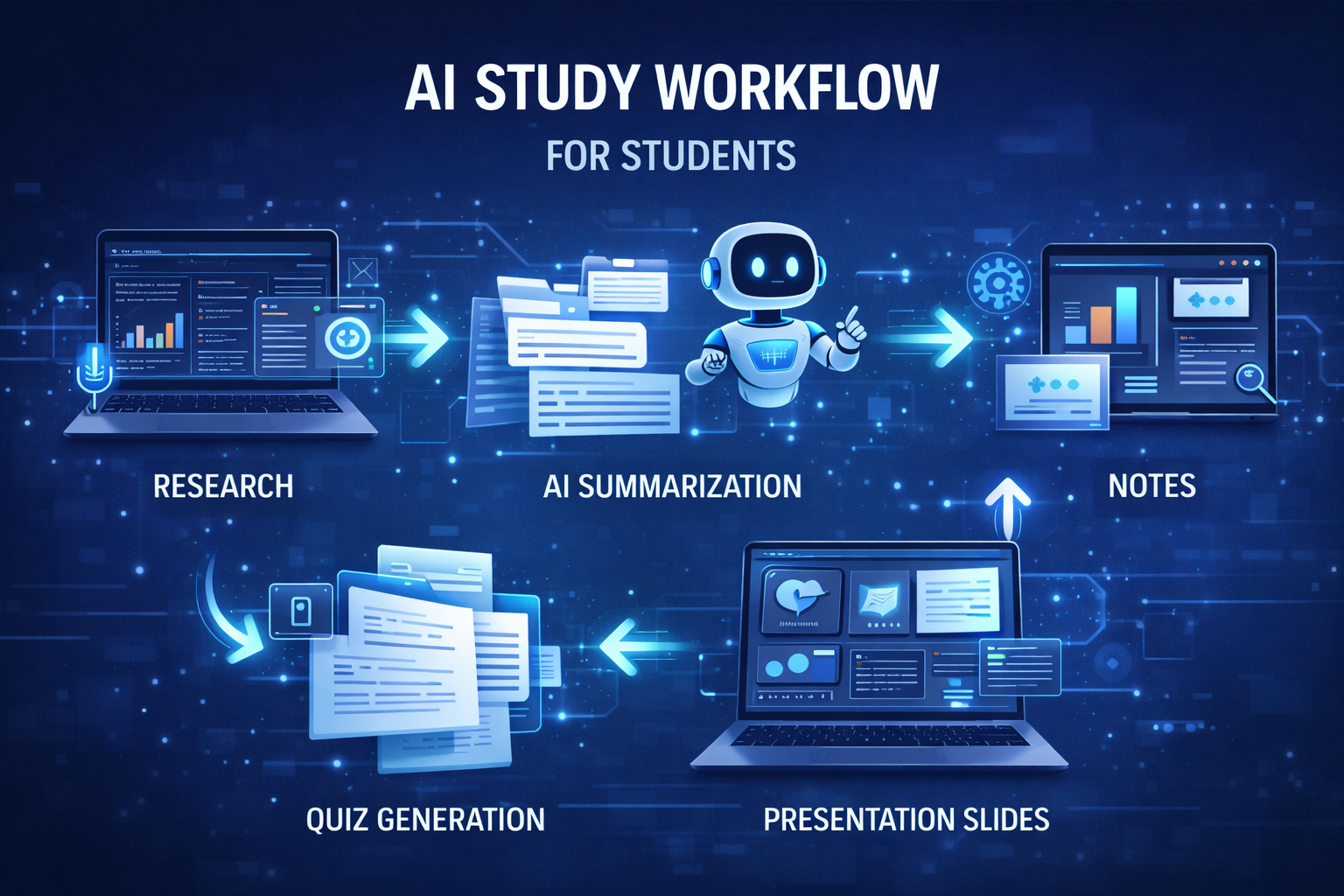
The best free AI tools for students are no longer a luxury—they are a necessity for staying competitive in a fast-paced academic world. To get started, we recommend this simple three-step workflow:
Use Perplexity AI to gather sources for your next paper.
Upload those sources to NotebookLM to generate a study guide.
Draft your thoughts in Google Docs with the help of Gemini to ensure your structure is sound.
By mastering these AI tools for college students now, you aren’t just getting better grades; you are building the technical skills that employers in 2026 and beyond will demand.


Comments are closed.